Choisissez votre offre
Comparez les durées et sélectionnez une formule pour 1, 2 ou 3 écrans.
VANOTV · IPTV PREMIUM FRANCE
TV, Sport, Films & Séries en HD/4K
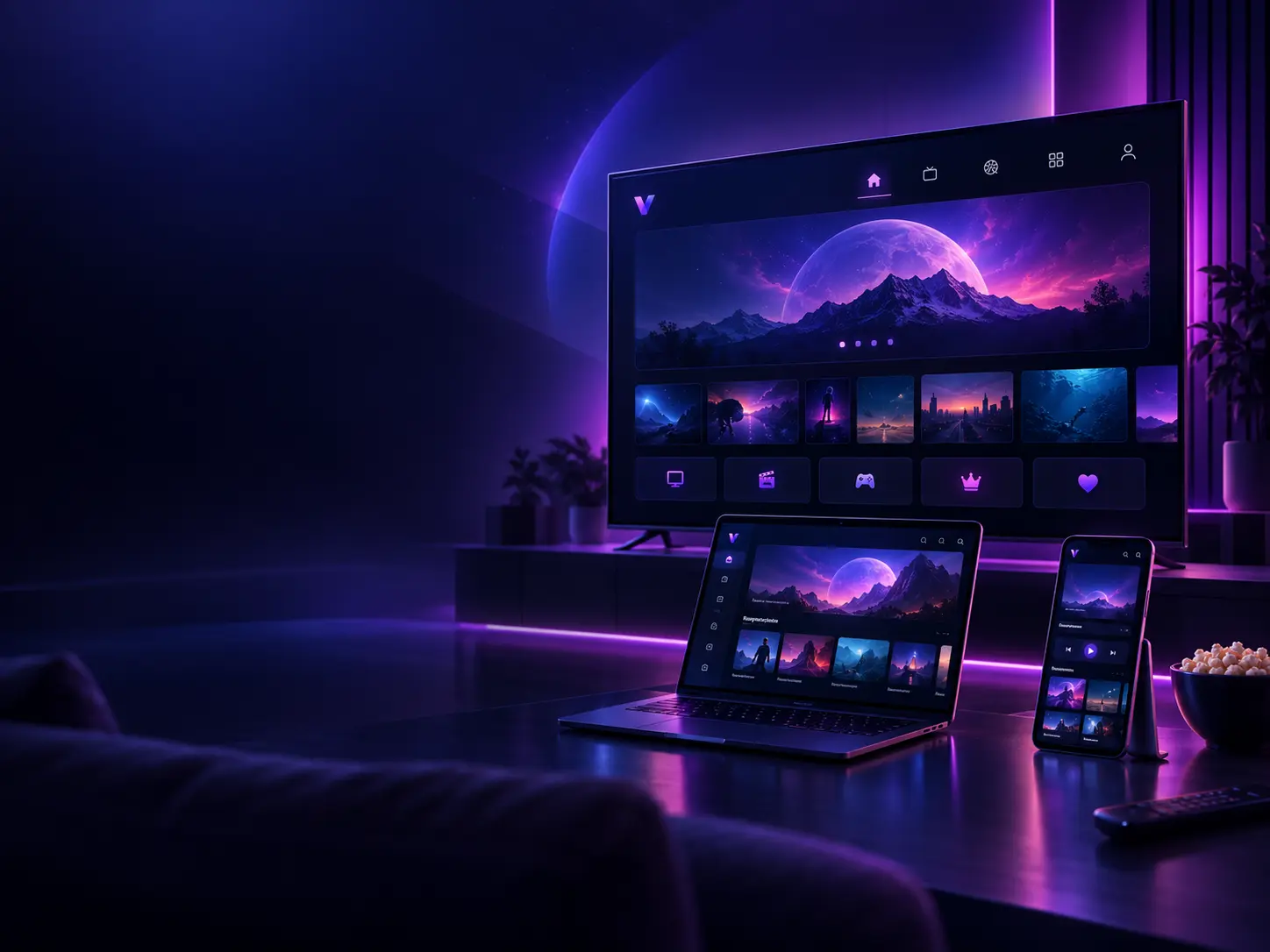
Votre IPTV sur tous vos écrans, simplement. Découvrez les offres VanoTV pour regarder la télévision, le sport, les films et les séries selon les contenus disponibles, avec une qualité adaptée à la source, à votre appareil et à votre connexion. Compatible Smart TV, Samsung, LG, Android TV, Fire TV, smartphone, tablette et ordinateur.
Abonnements IPTV VanoTV pour 1, 2 ou 3 écrans
DÉMARRAGE SIMPLE
Comparez les durées et sélectionnez une formule pour 1, 2 ou 3 écrans.
Ouvrez la conversation WhatsApp correspondant exactement à l’offre choisie.
Suivez les informations de connexion et les indications adaptées à votre appareil.
OFFRES VANOTV · 1 ÉCRAN
Quatre durées disponibles, avec une période offerte clairement indiquée pour chaque formule.
3 mois
+ 1 mois offert
19,99€
Total : 4 mois
6 mois
+ 2 mois offerts
29,99€
Total : 8 mois
12 mois
+ 6 mois offerts
49,99€
Total : 18 mois
24 mois
+ 6 mois offerts
69,99€
Total : 30 mois
PLUSIEURS ÉCRANS
Chaque connexion bénéficie de la durée complète et de la période offerte.
3 mois
+1 mois offert par connexion
29,99€
4 mois par connexion
Chaque connexion : 3 mois + 1 mois offert
6 mois
+2 mois offerts par connexion
49,99€
8 mois par connexion
Chaque connexion : 6 mois + 2 mois offerts
12 mois
+6 mois offerts par connexion
69,99€
18 mois par connexion
Chaque connexion : 12 mois + 6 mois offerts
24 mois
+6 mois offerts par connexion
129,99€
30 mois par connexion
Chaque connexion : 24 mois + 6 mois offerts
3 mois
+1 mois offert par connexion
39,99€
4 mois par connexion
Chaque connexion : 3 mois + 1 mois offert
6 mois
+2 mois offerts par connexion
59,99€
8 mois par connexion
Chaque connexion : 6 mois + 2 mois offerts
12 mois
+6 mois offerts par connexion
99,99€
18 mois par connexion
Chaque connexion : 12 mois + 6 mois offerts
24 mois
+6 mois offerts par connexion
169,99€
30 mois par connexion
Chaque connexion : 24 mois + 6 mois offerts
L’EXPÉRIENCE VANOTV
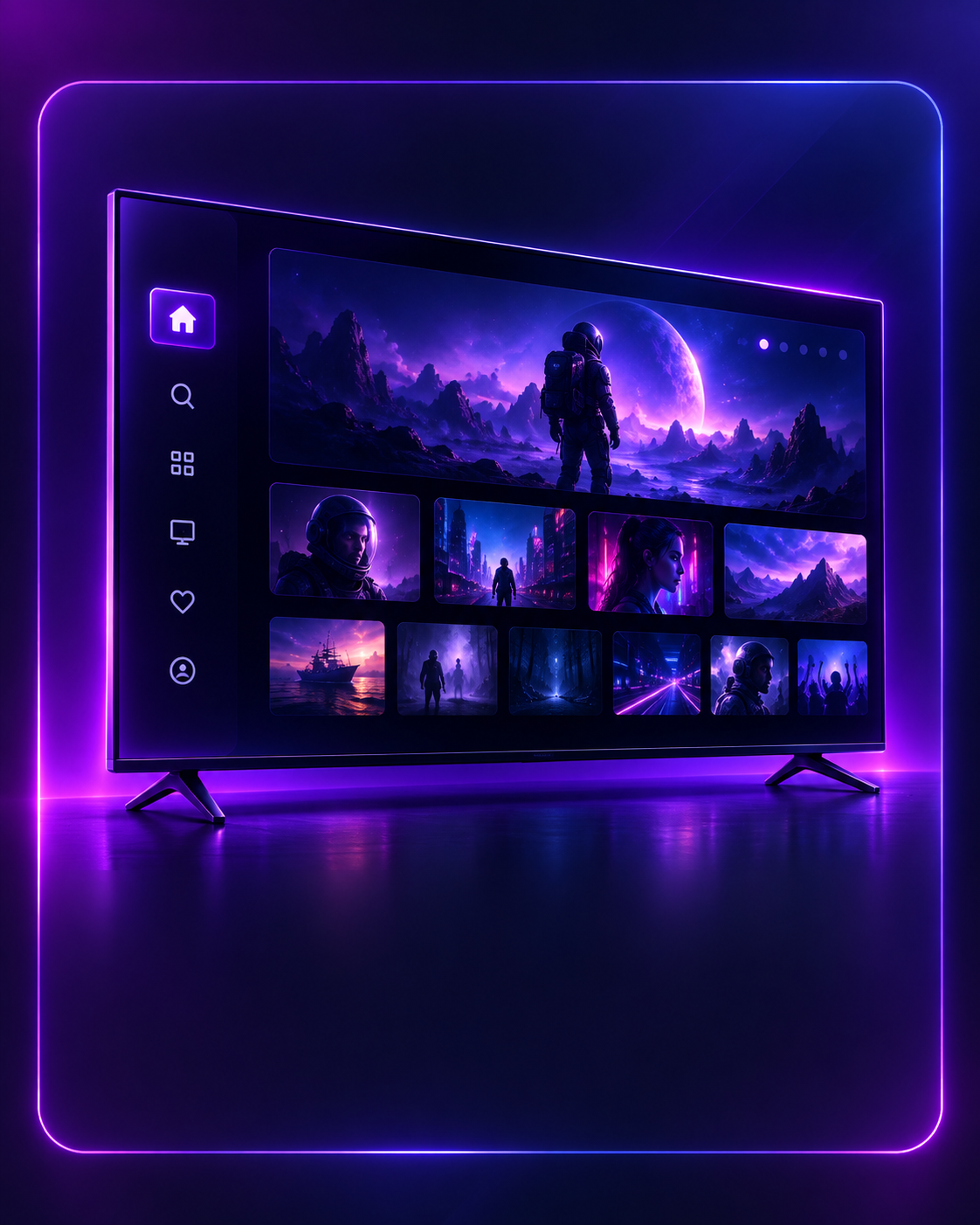

POURQUOI VANOTV
Une offre IPTV France pensée autour de la compatibilité, du choix de la formule et d’un accompagnement clair, sans promesse technique absolue.
Des indications adaptées aux appareils et aux applications compatibles facilitent la préparation et la configuration.
Les informations nécessaires sont préparées après validation ; le délai exact est confirmé dans la conversation WhatsApp.
Utilisation prévue sur Smart TV compatibles, Android TV, Fire TV, smartphone, tablette et ordinateur.
Comparez quatre durées et des options pour 1, 2 ou 3 écrans afin de choisir selon votre usage.
L’assistance VanoTV est joignable par e-mail et WhatsApp pour les questions de commande et d’installation.
La HD, la Full HD ou la 4K sont proposées lorsqu’elles sont disponibles et compatibles avec votre équipement.
APPLICATIONS IPTV
Utilisez une application compatible avec votre appareil, puis suivez les indications de configuration reçues.
Smart TV · Android TV · Appareils compatibles
LG · Samsung · Smart TV
Android · Mobile · Appareils compatibles
COMPATIBILITÉ APPAREILS
Vérifiez toujours la compatibilité de votre appareil et de l’application avant votre commande.
Samsung · LG · Sony
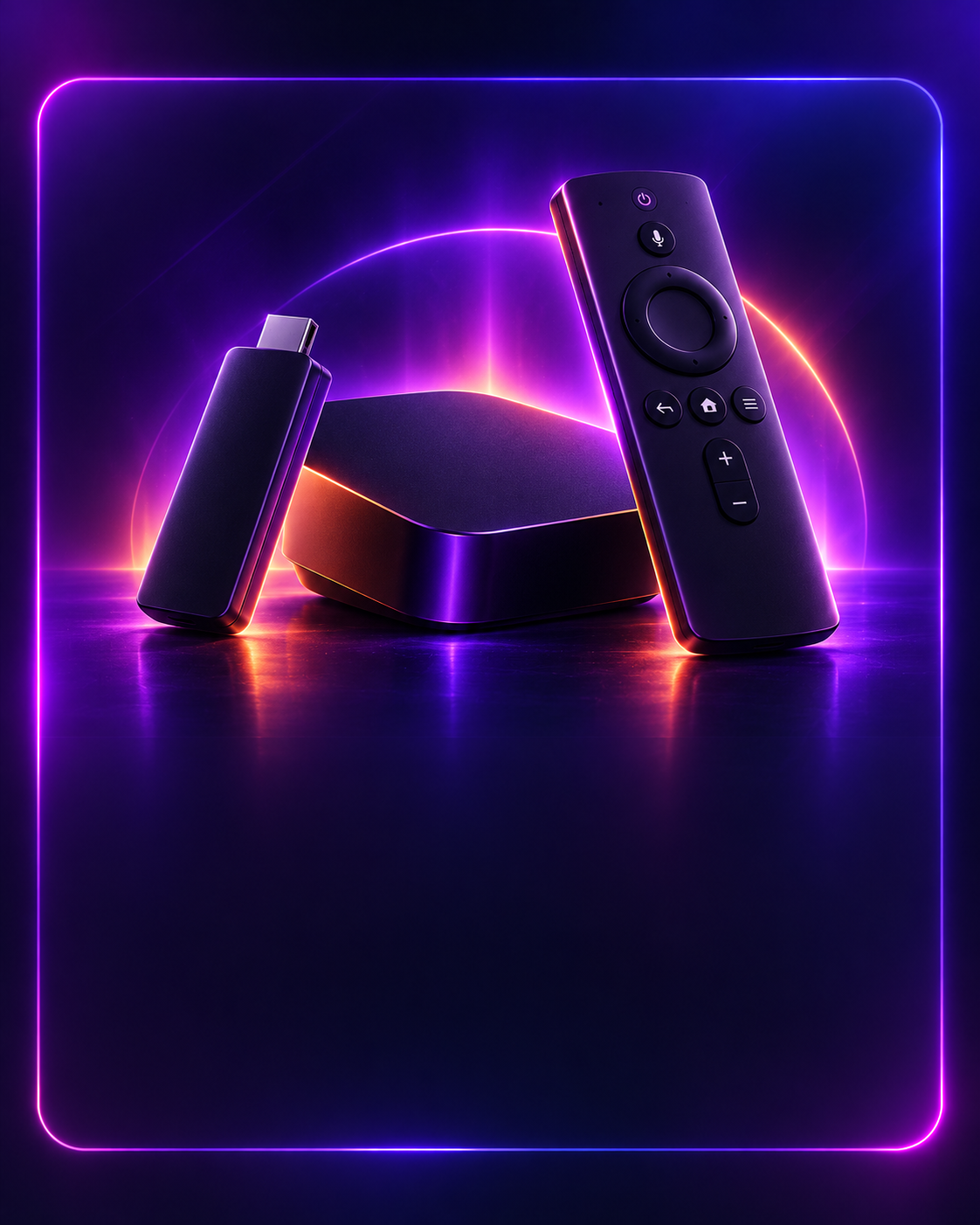
Android TV · Fire TV
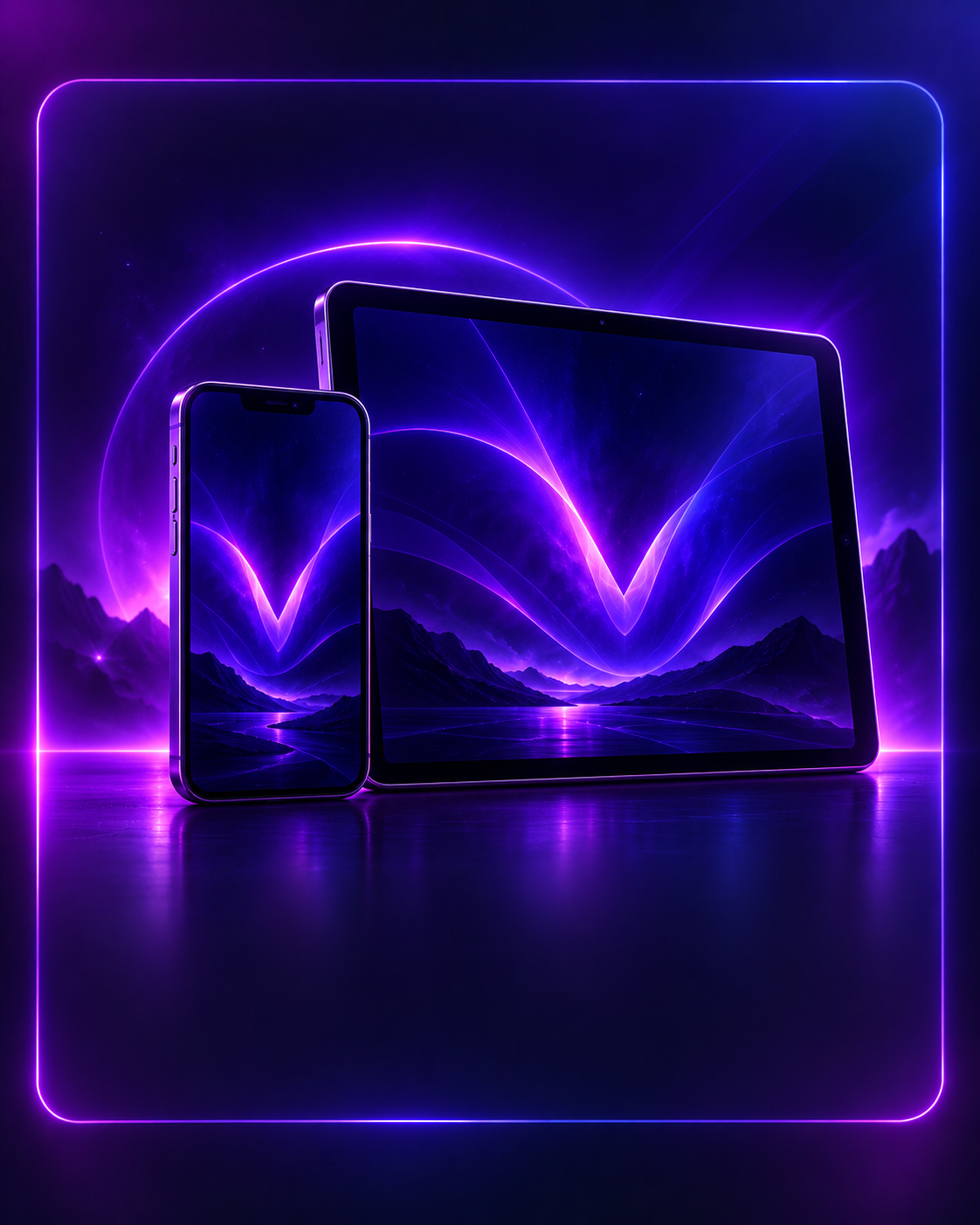
iOS · Android · iPad
Windows · macOS
PlayStation · Xbox
TV, SPORT, FILMS & SÉRIES
Comprendre le fonctionnement, la compatibilité et les critères utiles avant de choisir une offre VanoTV.
Un abonnement IPTV permet de recevoir des programmes télévisés et des contenus vidéo par Internet, plutôt que par une diffusion classique par câble ou satellite. L’expérience dépend donc de la qualité de la connexion, de l’appareil, de l’application utilisée et de la disponibilité réelle des contenus.
Pour choisir une offre IPTV en France, commencez par vérifier le nombre d’écrans nécessaires, la durée souhaitée et la compatibilité avec votre équipement. VanoTV prévoit des formules pour 1, 2 ou 3 écrans, avec des durées de 3, 6, 12 ou 24 mois.
La compatibilité est un point essentiel : Smart TV Samsung ou LG, Android TV, Fire TV, smartphone, tablette et ordinateur peuvent demander des applications ou des méthodes de configuration différentes. Consultez les pages Applications, Compatibilité et Installation avant de commander.
La qualité HD, Full HD ou 4K n’est disponible que lorsque le contenu, l’application, l’appareil et le débit Internet le permettent. Une connexion stable et un appareil correctement configuré contribuent à une lecture plus fluide.
Enfin, privilégiez une offre dont les modalités de commande, d’installation et d’assistance sont clairement indiquées. Pour VanoTV, les demandes de commande et d’aide passent actuellement par WhatsApp ou par l’adresse support@vanotv.com.
Les listes détaillées de chaînes, de langues, de catégories et de contenus VOD devront être confirmées avec les données réelles de VanoTV avant la mise en ligne publique.
EXPÉRIENCE VOD HD/4K
Explorez les catégories de vidéo à la demande disponibles avec votre formule. La définition dépend du contenu, de l’appareil utilisé et de la qualité de votre connexion.
Parcourez les films et séries disponibles par catégories afin de trouver plus facilement un programme adapté à vos envies.
La lecture peut être proposée en HD, Full HD ou 4K lorsque la source, l’application, l’appareil et votre connexion le permettent.
Retrouvez une configuration adaptée aux Smart TV, appareils Android, mobiles, tablettes et ordinateurs compatibles.
QUESTIONS FRÉQUENTES
Retrouvez les réponses essentielles avant de choisir votre abonnement.
Un abonnement IPTV diffuse des programmes télévisés et des contenus vidéo par Internet sur un appareil et une application compatibles.
Le délai définitif sera indiqué lors de la commande. Aucune durée précise n’est annoncée tant qu’elle n’est pas confirmée.
VanoTV prévoit une utilisation sur Smart TV, Samsung, LG, Android TV, Fire TV, smartphone, tablette et ordinateur compatibles.
Oui. Des formules distinctes sont prévues pour 1, 2 ou 3 écrans.
L’application dépend de votre appareil. La liste définitive des applications compatibles sera ajoutée prochainement.
Choisissez votre appareil puis suivez le guide d’installation et les informations reçues avec votre commande.
Contactez VanoTV à support@vanotv.com ou directement sur WhatsApp.
Choisissez une offre puis ouvrez la conversation WhatsApp préremplie. Les modalités disponibles vous seront indiquées avant toute confirmation.
La qualité HD, Full HD ou 4K dépend de la source disponible, de votre appareil, de l’application et de votre connexion Internet.
ASSISTANCE VANOTV
Contactez l’assistance VanoTV par e-mail ou WhatsApp pour vos questions de commande et de configuration.
support@vanotv.comWhatsApp : +33 6 76 48 81 78
PRÊT À COMMENCER ?
Comparez les durées et les options pour 1, 2 ou 3 écrans, puis choisissez la formule adaptée à votre usage.